Reports that stay up to date
after you send them.
Choose what a client sees, invite them by email and send the link. They sign in without a password and always see the latest numbers and the creatives behind them. Nothing to re-export, ever.
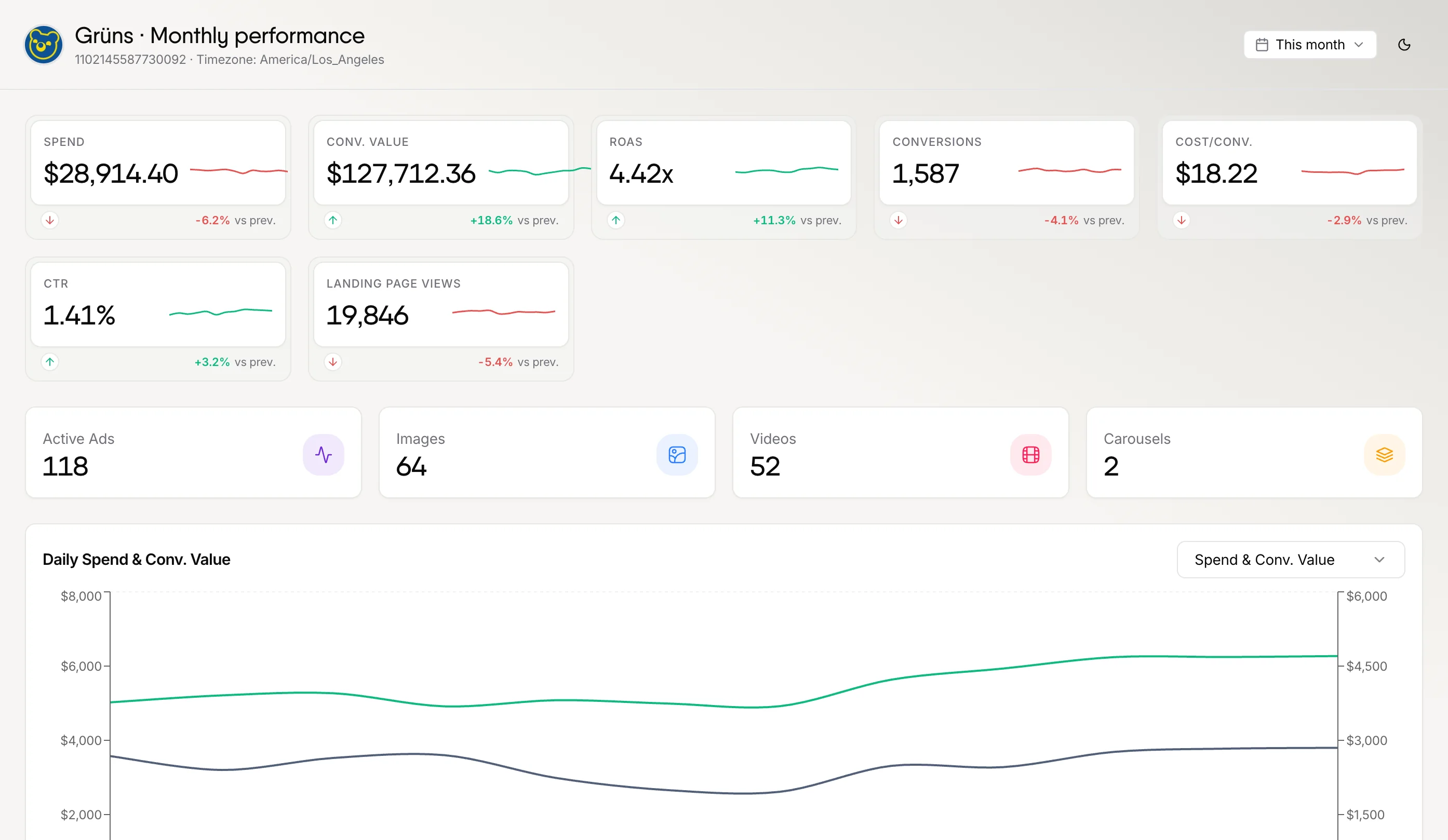
Show the ads behind the results.
Top and non-performing creatives, ranked by the metric of your choice, sit right in the report, so a client sees what is working, not just a ROAS figure.
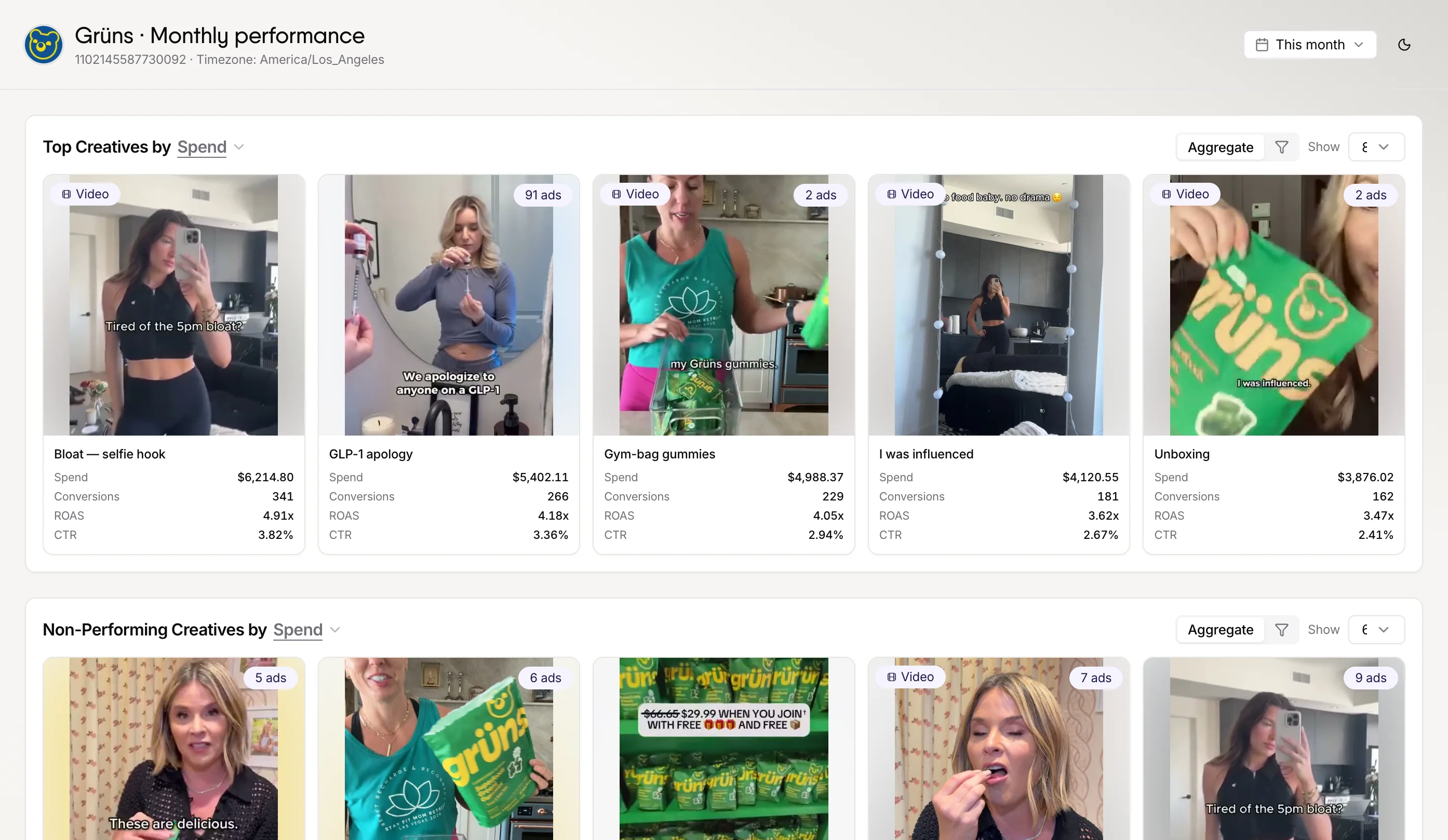
Fifteen sections. Show the ones that matter.
Switch sections on and off per report. The same account can have a lean report for the founder and a detailed one for their marketing lead.
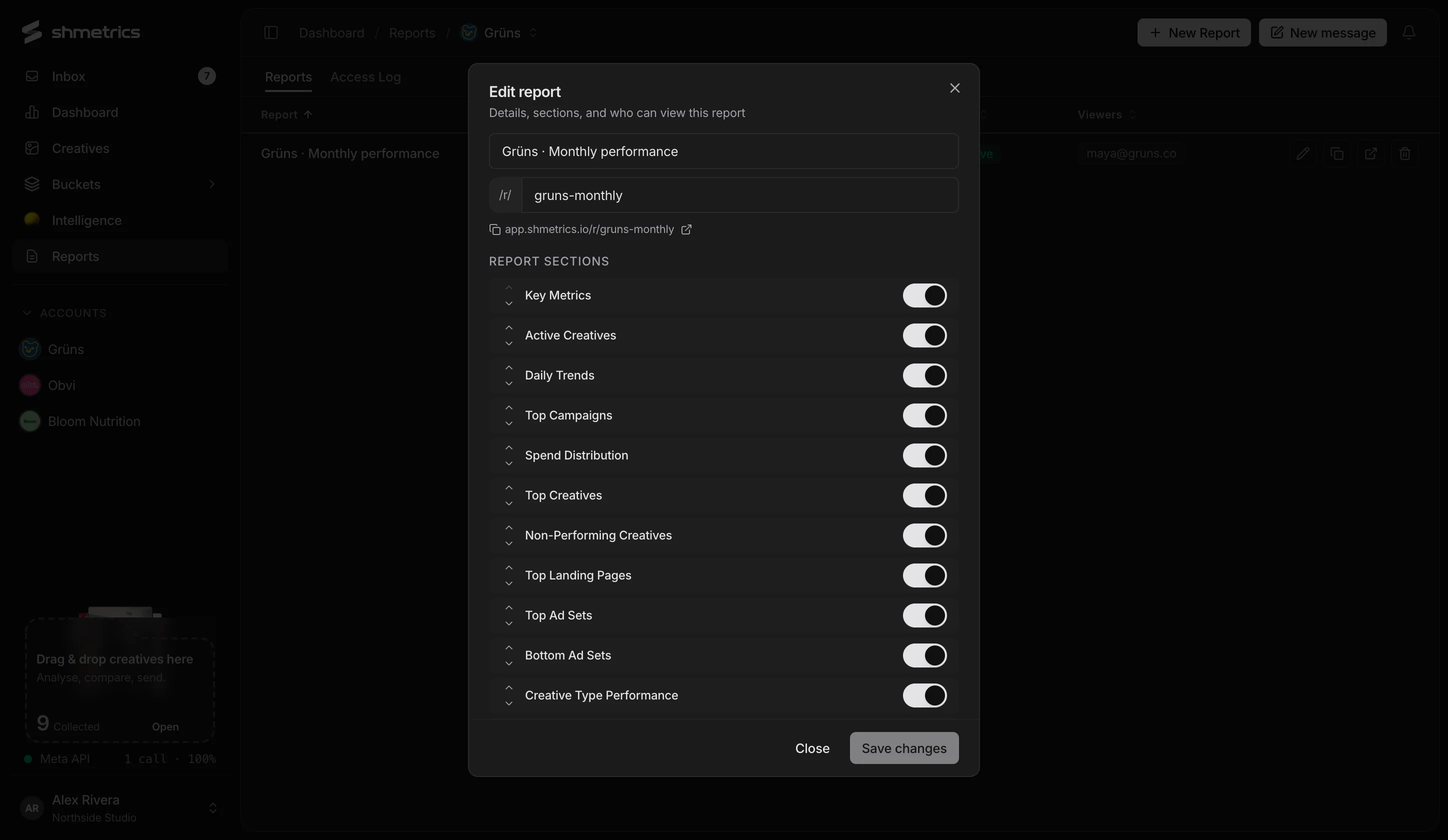
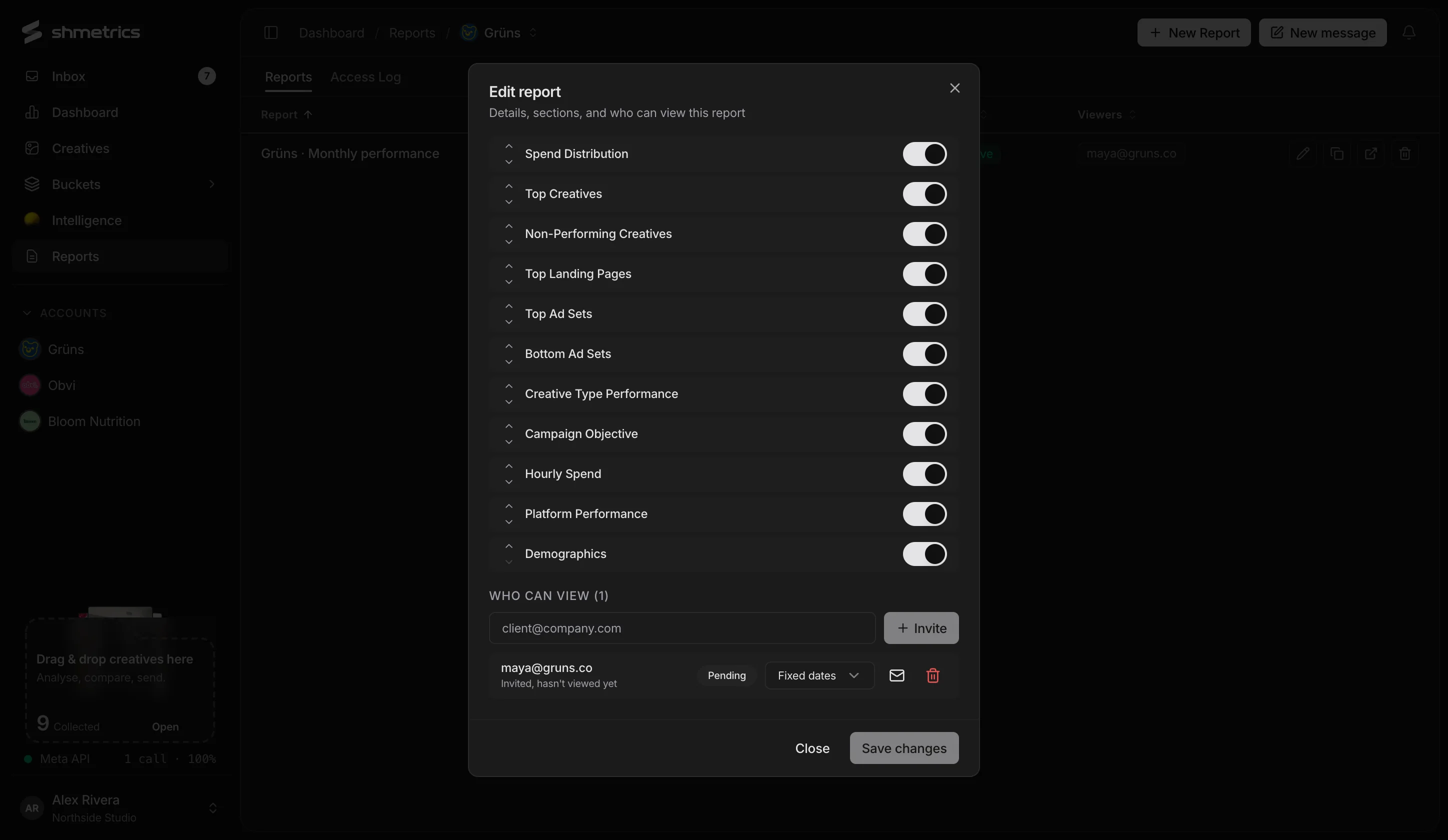
Invite by email. See who looked.
Add viewers to a report and choose whether each one sees fixed dates or can pick their own. Resend a sign-in link or remove access any time, and check the access log for who opened it, when, and from where.
Zero friction on their side.
No passwords
Clients sign in from a link in their email. Invite as many people as you need.
All their reports, one place
A viewer with several reports gets one page listing every report they can open.
Always current
Reports read from the same synced data as your workspace and show when the data was last updated.
Fixed or flexible dates
Lock a report to a period, or let a viewer change the date range themselves.
An access log
Every visit: who, when, device, location and how long they stayed.
Light or dark
Viewers can switch between light and dark.
Questions
Do clients need a shmetrics account?
No. They only see the reports shared with them, and sign in from a link sent to their email.
Can I stop sharing a report?
Yes. Remove a viewer’s access from the report at any time.
What exactly does a client see?
Only the sections you switch on, for the account in that report. Your workspace, other clients and your inbox stay private.
Send the link. Skip the monthly PDF.
Connect a Meta ad account in a couple of minutes. shmetrics only reads; it never changes a campaign.